
🗓️ What is the Calendar View?
The Calendar View gives you a timeline-based look at all your upcoming tasks — super useful if you like to plan ahead or see how your week is shaping up.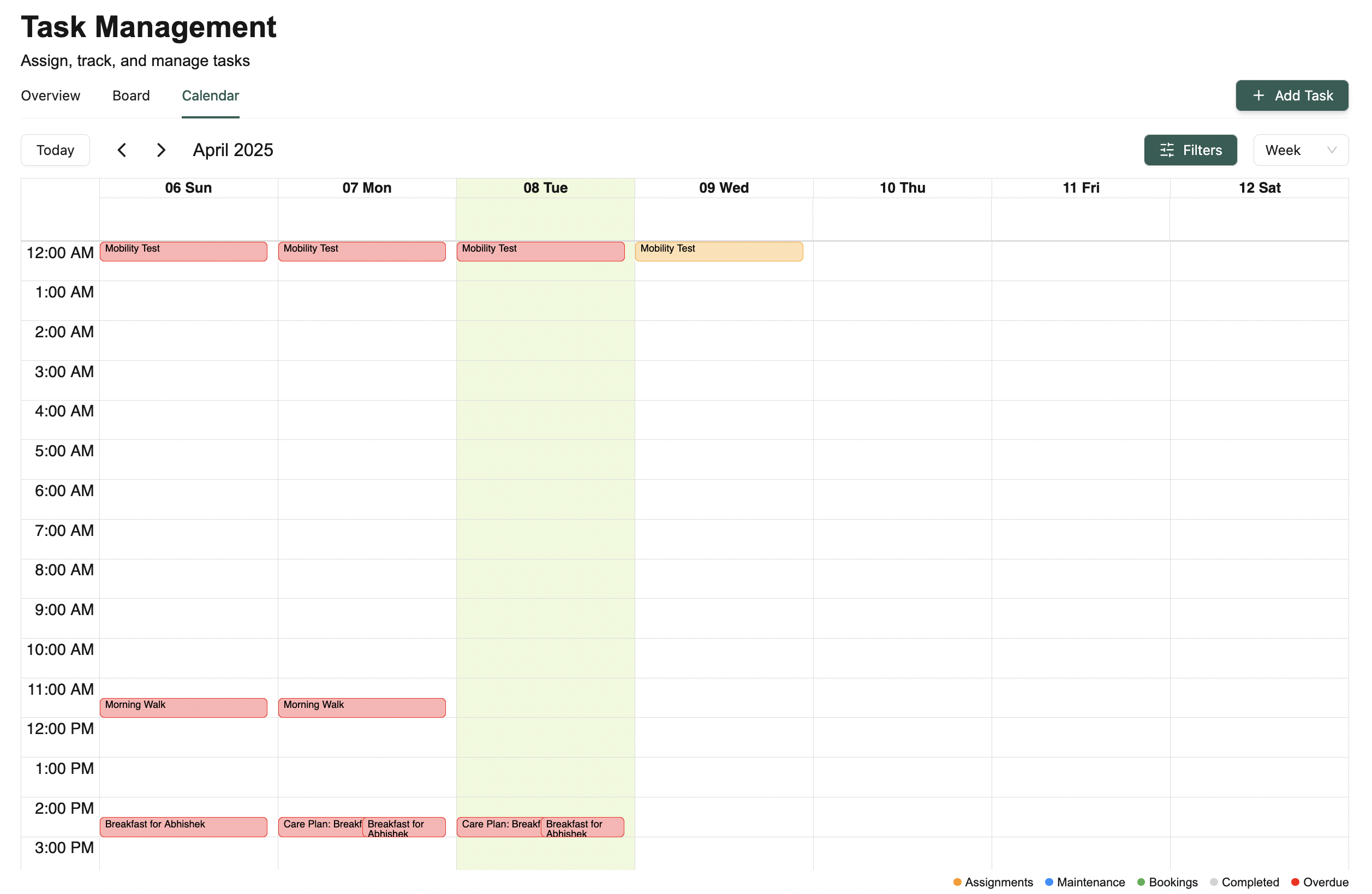
- 📅 Daily View — See what’s on your plate today
- 📆 Weekly View — Get a snapshot of your full week
- 🗓️ Monthly View — Great for long-term planning
⚙️ What can I do in Calendar View?
Here’s everything you can do from this view:-
🔁 Switch between timeframes
Toggle between Day, Week, and Month views depending on how much you want to see -
⏩ Jump to different dates
Quickly move forward or backward in time to see tasks from other days or weeks -
🔍 Search and filter
Easily find specific tasks or narrow down by type/priority -
➕ Add new tasks right from the calendar
Just click on a date to get started -
🎨 Color-coded tasks
Tasks are shown in different colors based on their type or priority — check the legend to know what’s what
💡 Looking for something else?
Feel free to reach out to us at support@nirvala.in — we’re happy to help!