
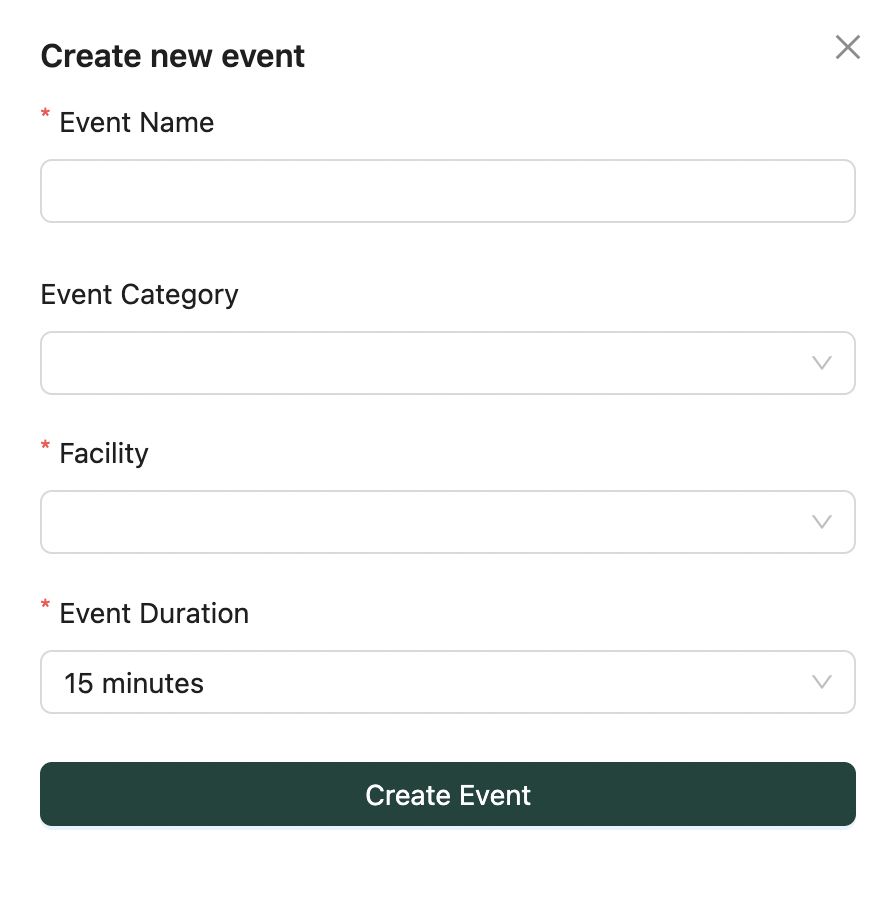
- Click the Create New Event button
- Fill in the required fields:
- 🏷️ Event Name
- 🧩 Category
- 🏢 Facility
- ⏱️ Duration
- Click Create Event to proceed
💡 Events can be toggled between active/inactive later.💡 Looking for something else?
Feel free to reach out to us at support@nirvala.in — we’re happy to help!