> ## Documentation Index
> Fetch the complete documentation index at: https://docs.nirvala.in/llms.txt
> Use this file to discover all available pages before exploring further.
# ➕ Staff: Add New Member
You can add staff in two ways:
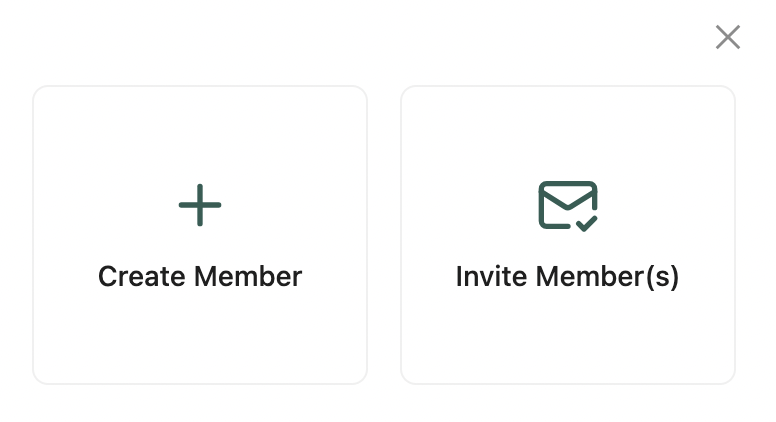 1. **Create Member:**
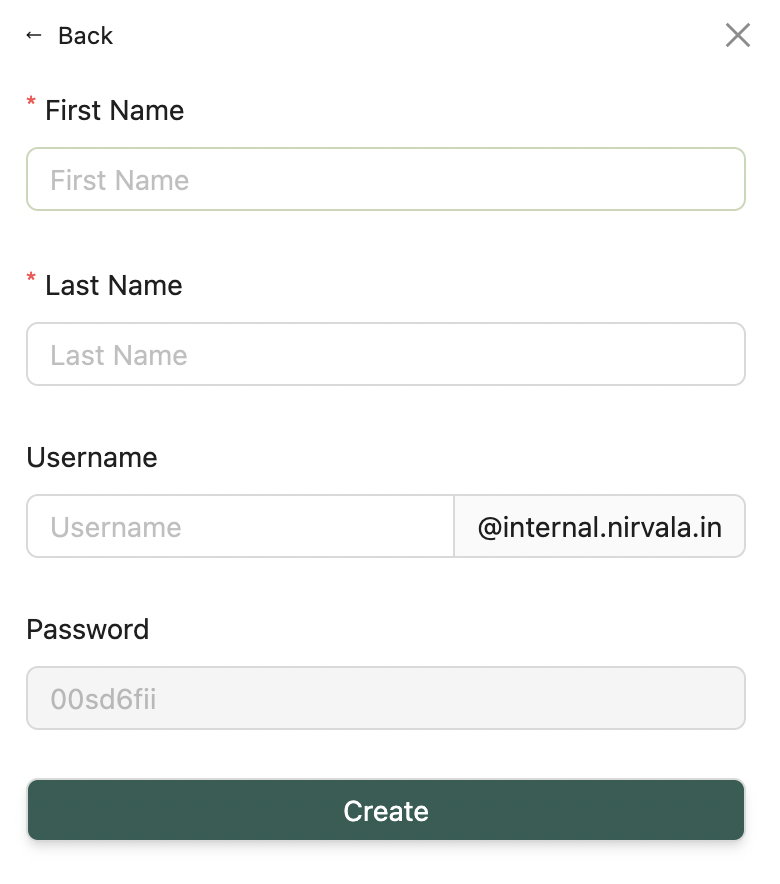 * Add First & Last Name
* Enter a Username (auto-generates a password)
* Share credentials manually with the staff
2. **Invite via Email:**
* Add First & Last Name
* Enter a Username (auto-generates a password)
* Share credentials manually with the staff
2. **Invite via Email:**
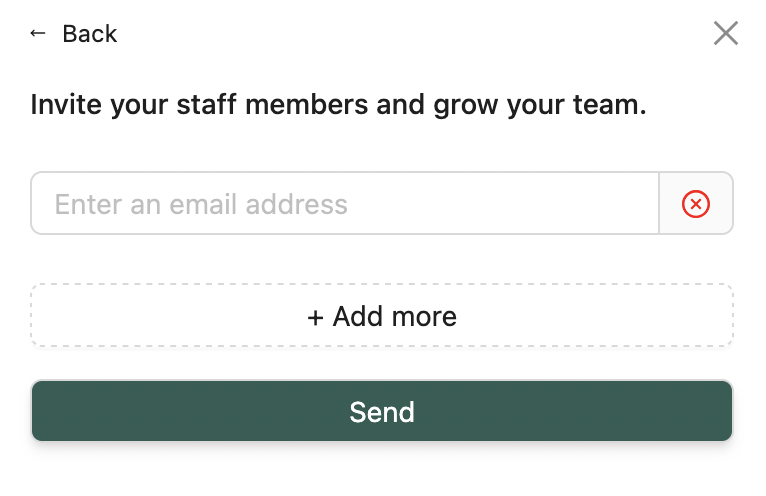 * Send an invitation directly to one or multiple email addresses
***
💡 **Looking for something else?**\
Feel free to reach out to us at [support@nirvala.in](mailto:support@nirvala.in) — we’re happy to help!
* Send an invitation directly to one or multiple email addresses
***
💡 **Looking for something else?**\
Feel free to reach out to us at [support@nirvala.in](mailto:support@nirvala.in) — we’re happy to help!